Playlist Image Maker
Turn any playlist into a custom album-art collage you can set as its cover.
Paste a playlist link above and we’ll tile its album art into a cover.
Four layouts, finishes and a title — then download the PNG.
What you get
- Album-art collageEvery track's cover, tiled into one image.
- One-click downloadExport a high-resolution square, ready to upload.
- Reshuffle the layoutRe-roll the tile order until the arrangement clicks.
How it works
How does it work?
- Enter the URL of a public playlist into the input box above.
- Click the "Generate" button to generate a collage of your playlist’s songs.
- Either download the collage or shuffle the order of the images as many times as you want to create a unique collage of your playlist.
Is it free to use?
Yes! This tool is completely free to use (and with no ads!). You can choose from public playlists and generate as many collages as you want.
What are some examples of collages it generated?
Here are some examples of the playlist cover art that can be generated by this tool:
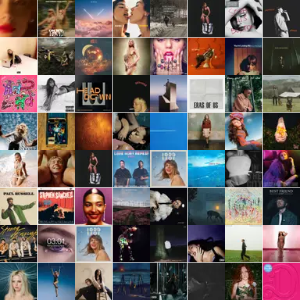
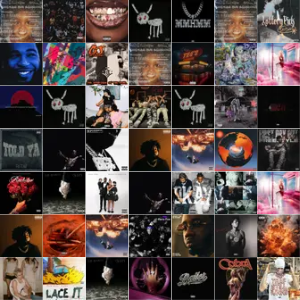
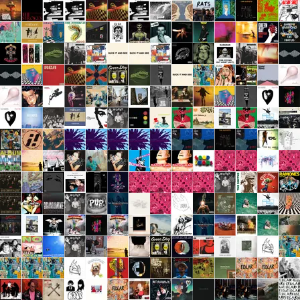
What is the optimal image size for Spotify playlists?
The optimal image size for Spotify playlists is 300x300 pixels. This is the size that Spotify uses for playlist cover art, and the size of the images that our tool generates.
How do I change my Spotify playlist image?
- Navigate to the playlist you want to change the cover of.
- Click the three dots next to or below the playlist name.
- Click "Edit Details".
- Click on the "Choose photo" button and upload your image.
- Click "Save".
If everything worked correctly, your playlist will now have a new cover image.
How do I download the generated image?
You can download the cover art by clicking the download button that will appear after you’ve generated an image. This will download the image to your local device so you can upload it to Spotify.