Spotify Pie Charts
See your listening as pie charts — top genres, artists and more, broken down at a glance.
What you get
- Genre breakdownThe share of every genre across your listening.
- Artist splitHow your top artists divide up your plays.
- Shareable imageExport any chart for stories and posts.
How it works
How do I see my charts?
- Press the "Login with Spotify" button and login with your Spotify account. This will let us view your Spotify stats so we can create the charts.
- You will be redirected to the charts section of our website. This will let you view your Spotify pie.
- Now that you’re logged in, you can easily customise the pie chart with the time range selector, the percentage input and the limit. These are found at the top of the page.
What do the pie charts look like?
Here is a sample of the output of this tool:
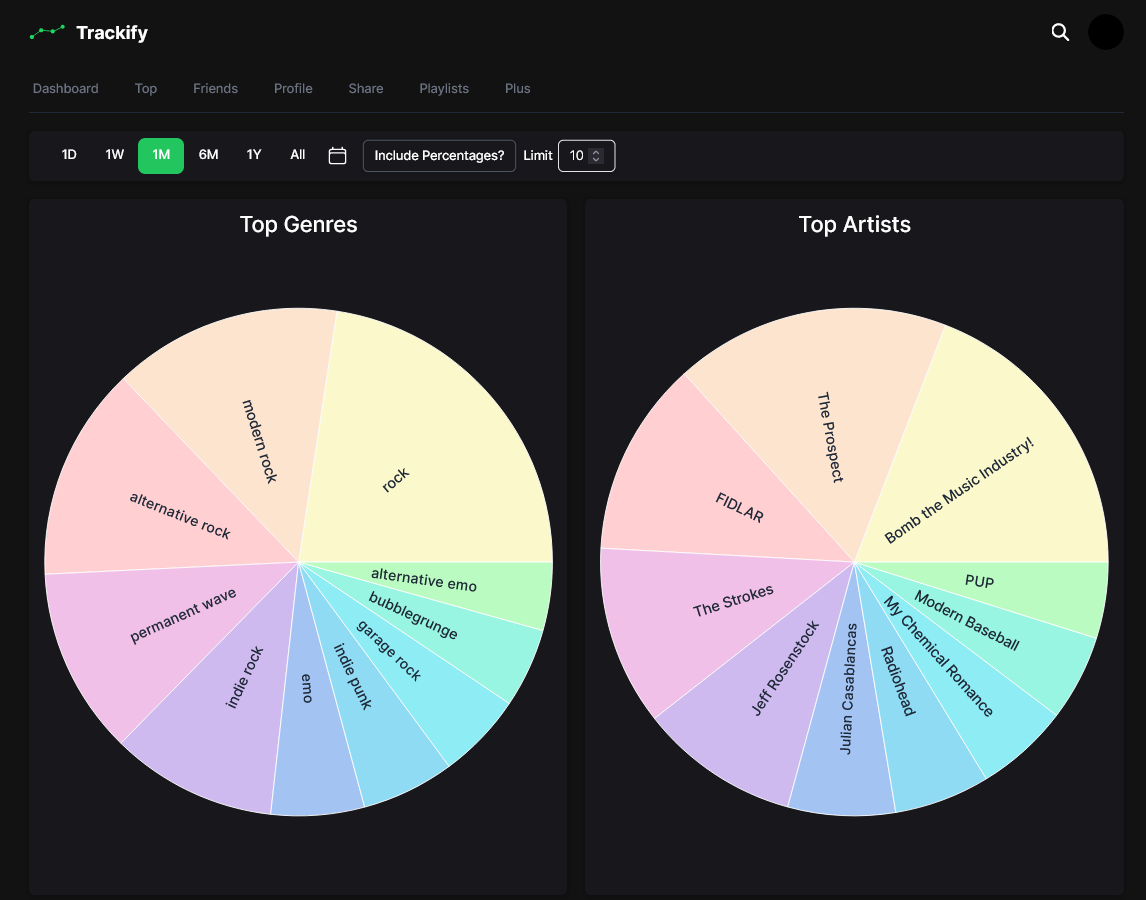
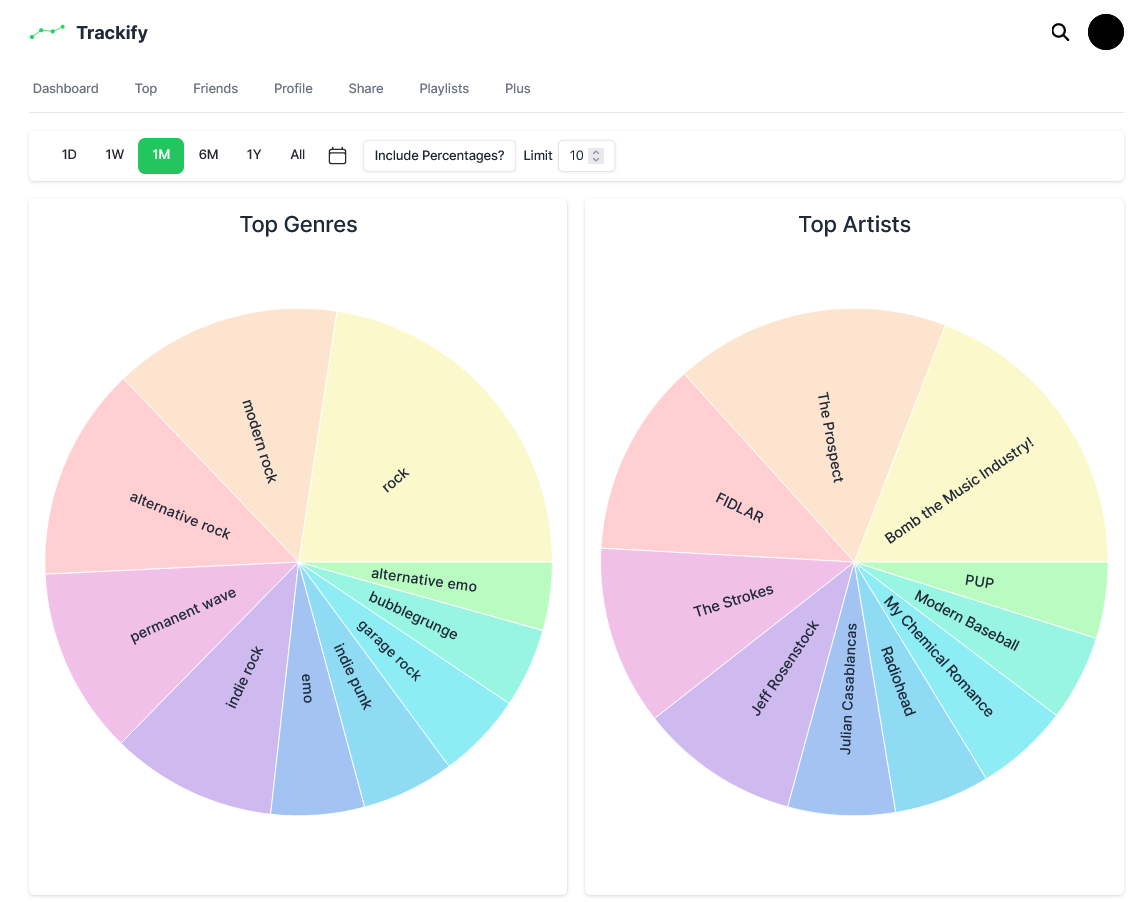
How does it work?
We use the Spotify API to get your top artist and genres. We quantify the rank of your artists based on how many times that artist’s tracks appear in your top tracks, and we quantify the rank of the genres by how many times they appear in your top artist’s genres.
How does this compare with other Spotify Pie websites?
Most other Spotify Pie apps don’t allow any customisation, only show one pie chart, and are plastered with ads. Our pie chart generator has no ads, fully customisable and offers both your top genres and top artists.
Can I share my charts?
Yes, you can share your charts on social media platforms or download them for personal use.
Do I need a Spotify Premium account?
No, you don’t need a Spotify Premium account to use this tool.
Is my data safe?
Yes, your data is safe. We only use your data to calculate your Spotify stats.
What if I encounter an error or bug?
If you encounter any issues while using the tool, please report them to us at [email protected]. We are constantly working to improve our tools and your feedback is valuable to us.