How to change your Spotify username
You can’t change a Spotify username, but you can change the display name everyone sees. The steps on phone and desktop, and what to do if you really want a new username.
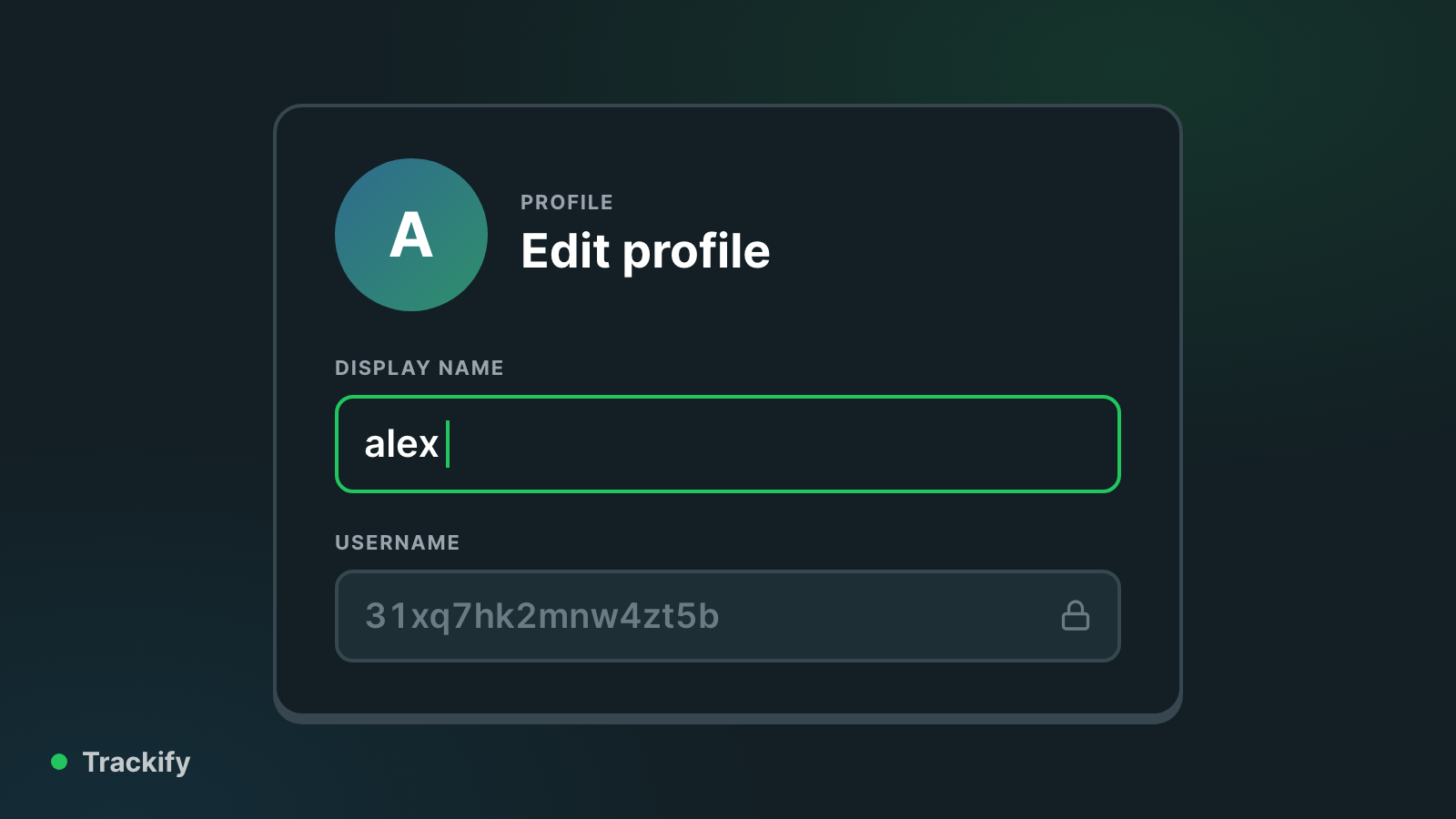
Short answer: you can't change your Spotify username, but you can change your display name, which is the name everyone actually sees on your profile, your playlists and in friends' feeds.
Username and display name are different things
- Username: the ID Spotify gives your account. On newer accounts it is a long string of random letters and numbers. It is fixed for the life of the account, and Spotify support won't change it.
- Display name: what shows on your profile. You can change it whenever you like.
You log in with your email address (or Google, Apple or Facebook), so the username rarely matters. If you want to see yours, it is on your account page.
Change your display name on your phone
- Open Spotify and tap your profile picture in the top left.
- Tap View profile.
- Tap Edit.
- Tap your name, type the new one, and tap Save.
Change your display name on desktop or the web player
- Click your profile picture in the top right and choose Profile.
- Click your name.
- Type the new name and click Save.
The change shows up everywhere straight away. You can also change your profile picture from the same screen.
What about the Facebook method?
Older guides (including an earlier version of this one) suggest connecting Facebook so that Spotify copies your Facebook name. You don't need to. That only ever set the display name, and you can now type any display name you like directly.
If you really want a different username
The only way is a new account, which starts with an empty library. Before you do that, ask Spotify support whether they can move your playlists and saved music across. For almost everyone, changing the display name is enough.
Your name on Trackify
Trackify takes your display name from Spotify when you first sign in. After that you can set your own name and your own profile address (trackify.am/yourname) in Settings, and those you can change as often as you like.
See your own numbers
Trackify shows your Spotify listening all year: top tracks and artists for free, and with Plus every play counted, hours, streaks and your full history.