How to see lyrics on Spotify
Where to find synced lyrics in Spotify on a phone, computer or TV, what free and Premium accounts get, how to share a line, and why some songs have none.
Spotify shows lyrics that scroll in time with the song on phones, computers and TVs. Here is where to find them on each, and what to do when they're missing.
On your phone
- Play a song and tap the bar at the bottom to open the Now Playing screen.
- Scroll down to the Lyrics card.
- Tap the card to open the lyrics full screen. Tap any line to jump to that part of the song.
On desktop and the web player
- Play a song.
- Click the microphone icon in the bottom right, next to the queue and volume controls.
The lyrics take over the main view. Click the microphone again to go back.
On a TV or console
Play a song in the Spotify TV app, open the Now Playing view and select the lyrics button in the corner. It stays on for the following songs until you turn it off.
Free or Premium?
Spotify's help pages list lyrics for both Free and Premium accounts. In 2024 Spotify tried limiting free accounts to a few songs' worth of lyrics a month and then reversed it after complaints, though some free listeners still report hitting a monthly limit, so it may depend on your country or on a test your account is in. Premium adds lyrics for downloaded songs when you're offline.
Share a line
On your phone, open the lyrics full screen and tap Share. Pick the lines you want, and Spotify makes a card you can post to a story or send in a message.
When there are no lyrics
- The song doesn't have any. Lyrics come from Musixmatch and from artists and labels, and not every track is covered. Instrumentals, new releases and smaller artists are the usual gaps.
- They aren't synced. Some songs only have plain text, which shows without the scrolling highlight.
- You're offline on a free account, or the app is out of date. Update Spotify and try on a connection.
- The lyrics are wrong. They can be corrected on Musixmatch, which is where Spotify picks up the fix.
See your own numbers
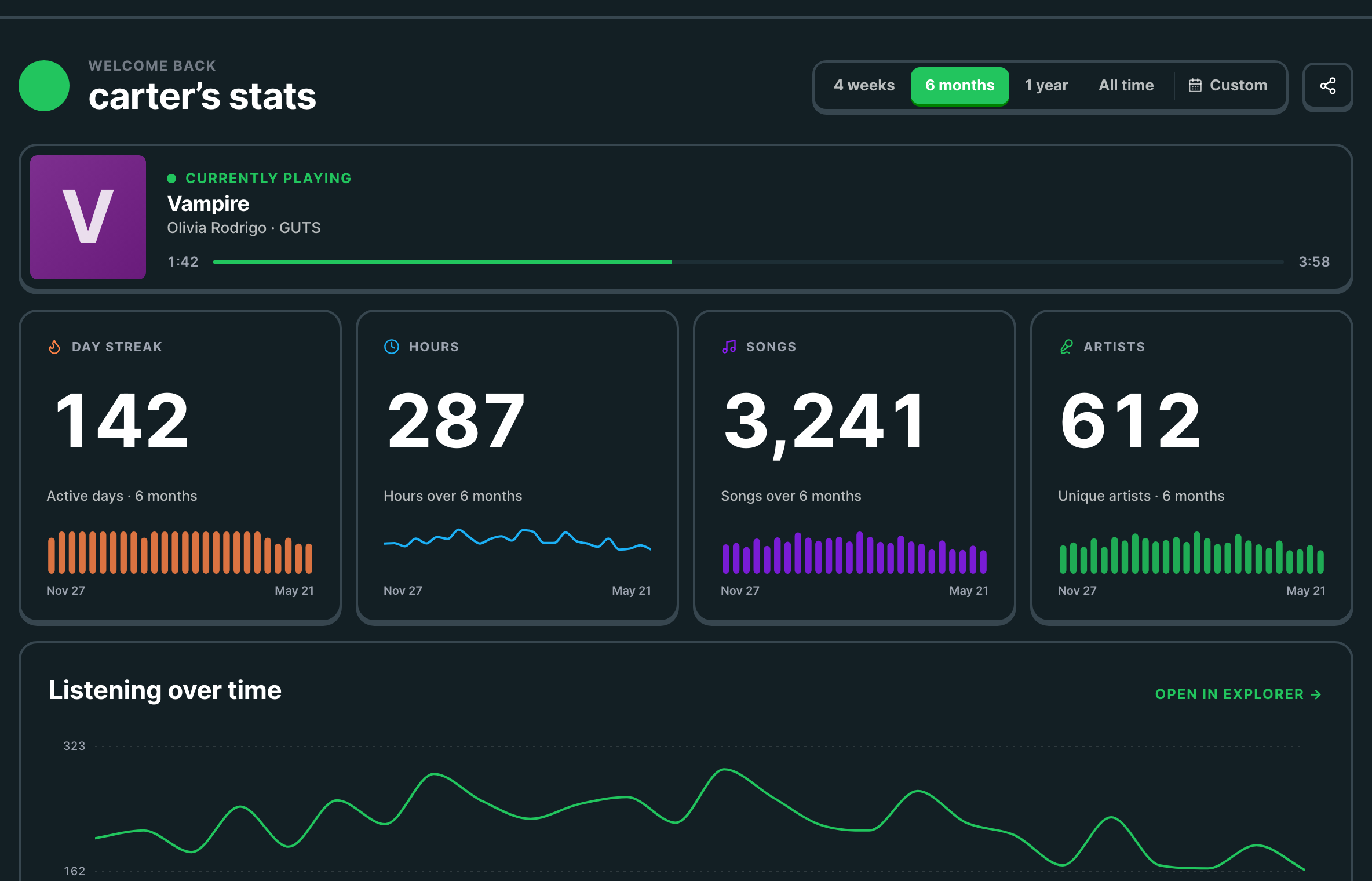
Once you know the words, find out how many times you've actually played the song. Trackify shows your top tracks and artists for free, and with Plus every play counted, with hours, streaks and your full history.