Blog2 min read
How to see your Spotify stats before Wrapped
What Spotify shows you outside Wrapped, and how to see the rest all year round: top songs and artists, play counts, hours listened, streaks and your full history.
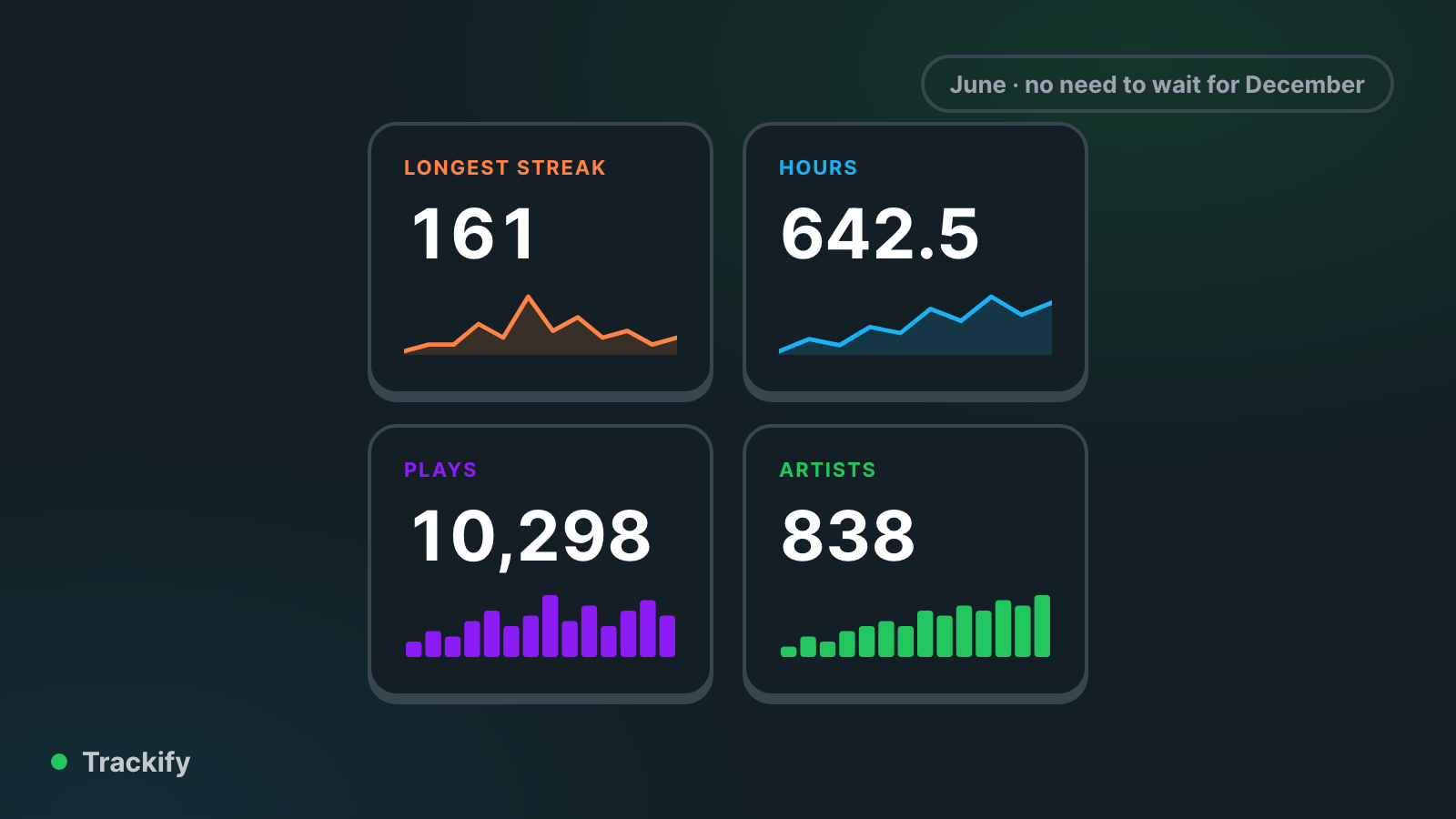
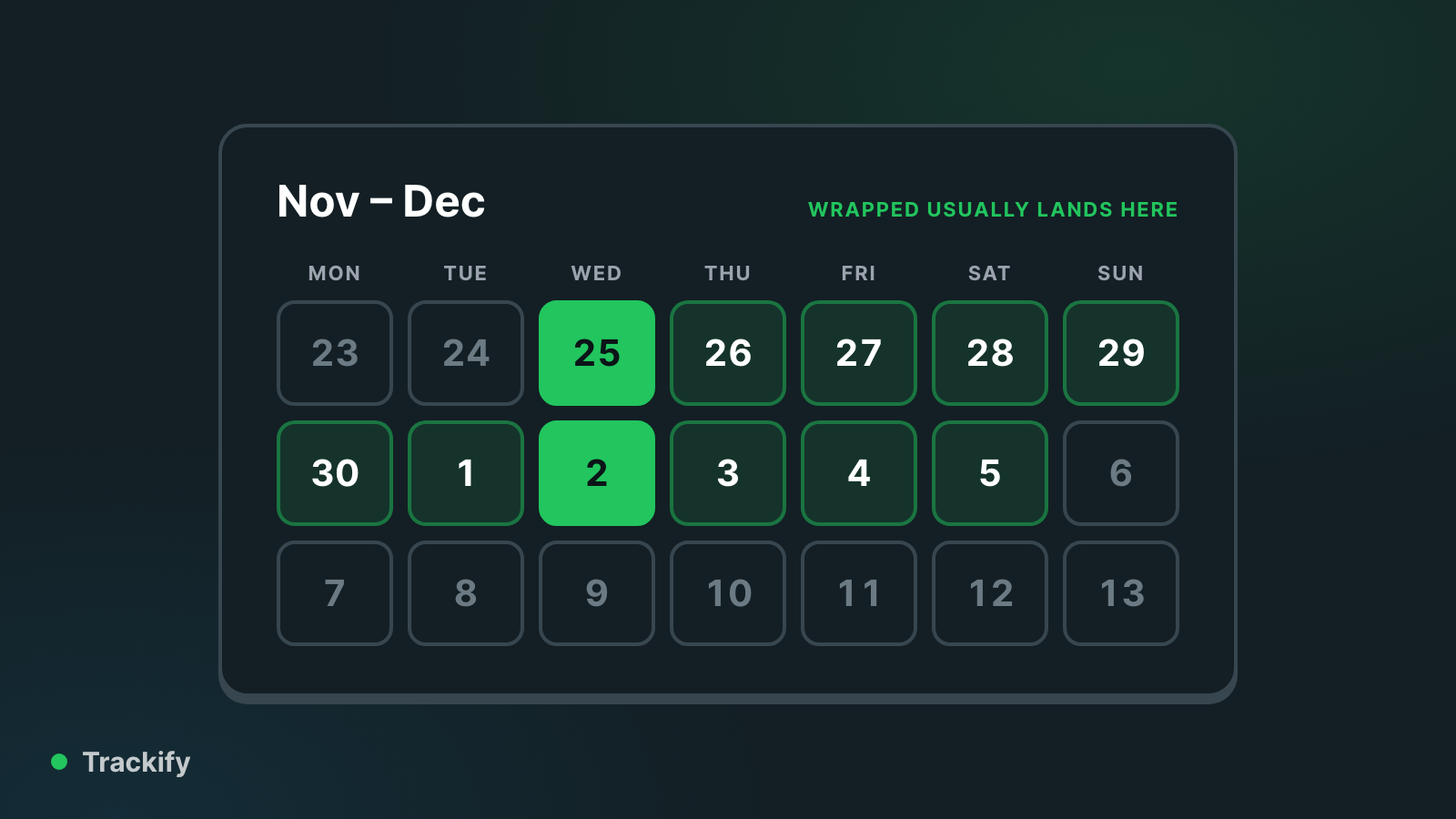
Wrapped arrives once a year, in early December. If you want to know your top songs, how many hours you've listened or how long your streak is on an ordinary Tuesday in June, there are two ways: the little Spotify shows you itself, and Trackify.
What Spotify shows you
- Your profile. Tap your picture, then View profile. It lists your top artists and top tracks for the past month. Only you can see them.
- Listening stats. Recent versions of the app have a weekly summary of your top artists and songs for the last four weeks, under your profile picture.
- Recently played shows your last 50 or so songs.
What Spotify doesn't show outside Wrapped is the part people usually want: how many times you've played a song, how many minutes or hours you've listened, and anything further back than a few weeks.
See the rest with Trackify
- Go to trackify.am and click Log in with Spotify.
- Spotify asks whether Trackify can read your listening. Agree, and you land on your dashboard.
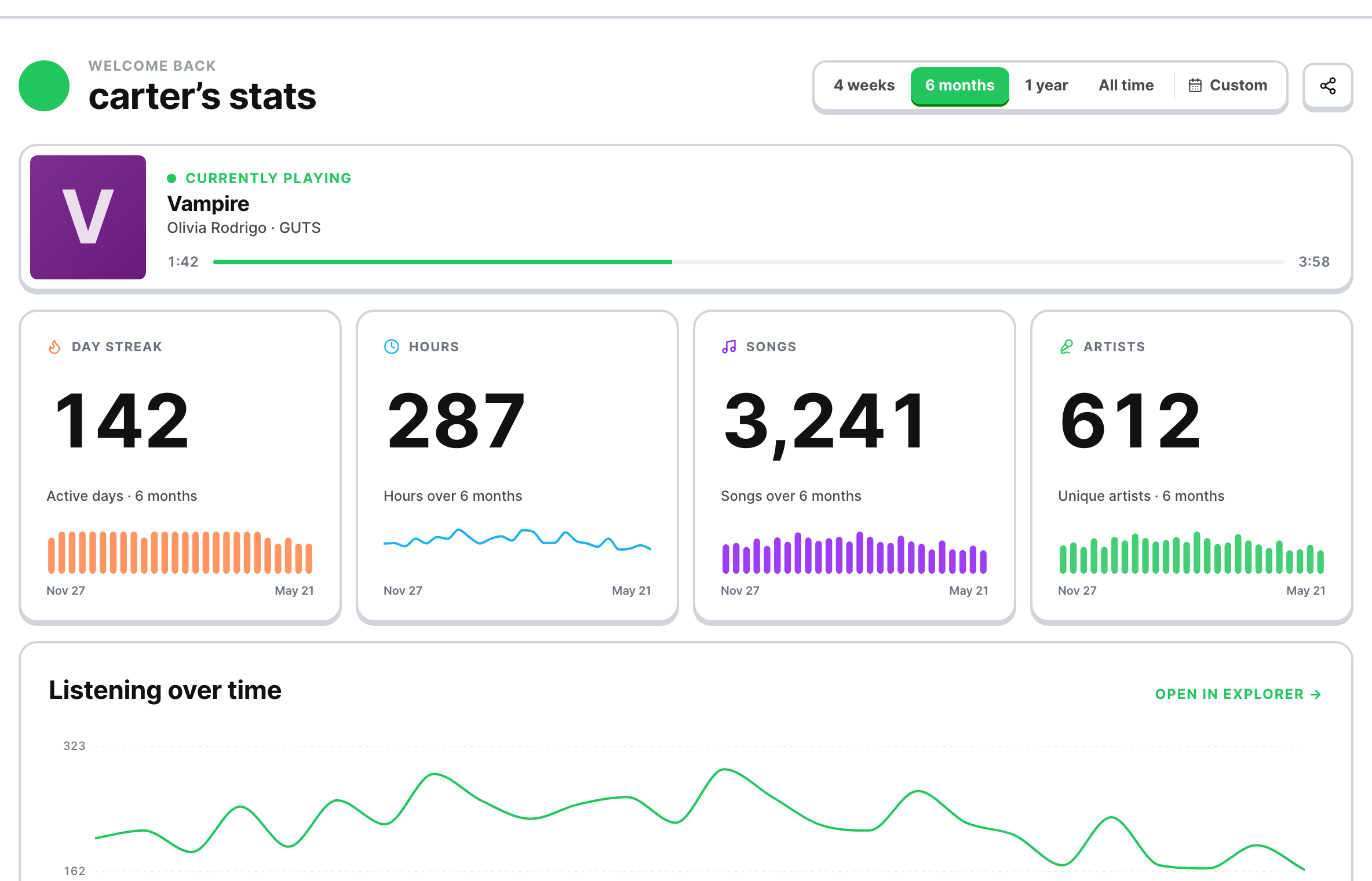
Free
- Your top tracks, artists and albums over four weeks, six months and all time, as Spotify ranks them.
- Your genres and decades (as a pie if you like), how obscure your taste is, and where your artists come from.
- What you're playing now and your recent plays.
- A snapshot recap every month.
With Plus ($3.99 a month)
- Play counts and time. Every play is recorded from the day you join, so you can see exactly how many times you've played a song and for how long.
- Any date range. Last week, last summer, or one particular day.
- Streaks, a calendar of your listening, and your hours by time of day.
- Your whole listening history, searchable by artist, album or track.
- Years of back history. Spotify will send you your extended streaming history on request, and you can import it so your stats reach back to the day you opened your account.
- A full recap every month, with your top songs, busiest day and streak.
Good to know
- Spotify only hands out rankings, not counts. That's why play counts start from the day you join Plus unless you import your history.
- Trackify can only read your listening. It can't change your playlists unless you use one of the playlist tools and ask it to.
- You choose whether your Trackify profile is public or private.